Phone app
When a supported phone, app updates, and stored scan history matter more than a standalone screen.

Car setup / diagnostics
Bluetooth keeps history on your phone and needs app support. A handheld lives in the glove box with its own screen. Both read codes; neither turns a trouble code into a confirmed repair or covers airbag, ABS, or bidirectional shop work without checking coverage first.
Best fit
When a supported phone, app updates, and stored scan history matter more than a standalone screen.
Read/clear codes, live data, freeze frame, I/M readiness on screen. No app to open.
Bidirectional tests, module programming, airbag or ABS diagnosis, or confirmed repair plans from service information need different tools.
Spec table
| Decision factor | BlueDriver Pro | Autel AutoLink AL319 |
|---|---|---|
| Interface | Bluetooth adapter plus BlueDriver app on a supported phone | Handheld unit with TFT screen and built-in speaker |
| Phone dependence | Phone OS, app version, and permissions are part of the system | No phone required; powered from the OBDII port |
| Core functions | Read and clear codes, live data, and app-based reports per BlueDriver coverage | Read and clear codes, live PCM datastream, freeze frame, and DTC definitions on screen |
| I/M readiness | Available through the app when supported for the vehicle | Patented one-click I/M readiness key with color LEDs and audible tone |
| Storage and sharing | Scan history lives in the app; adapter stays small in the glove box | Self-contained tool with cable; keep the manual and update path with the reader |
| Limit | Coverage and repair guidance depend on app support for the exact vehicle | Basic OBDII and CAN reader; not a full-system or bidirectional shop tool |
Amazon options
As an Amazon Associate we earn from qualifying purchases.
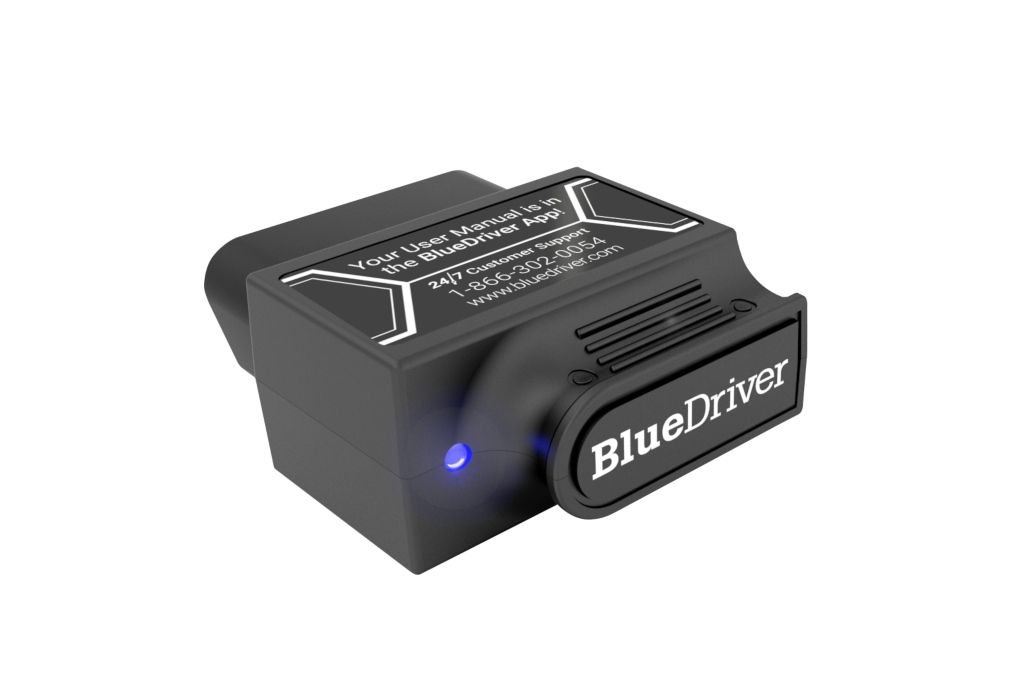
Bluetooth / ASIN B00652G4TS
Phone-based reader: stored scans, live data, repair-report style guidance on supported vehicles.
Phone OS, app updates, and per-vehicle coverage are part of the purchase.
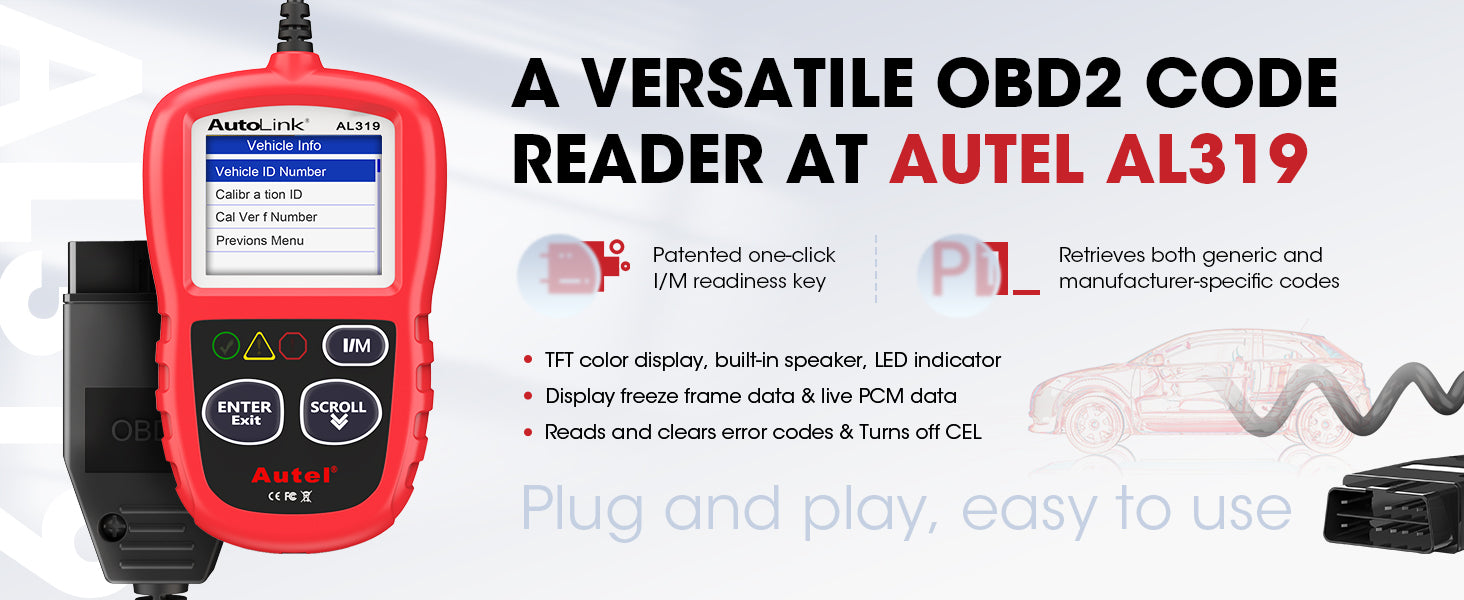
Handheld / ASIN B07CTVVD9B
Plug-and-play: on-screen definitions, live data, freeze frame, one-click I/M readiness on most 1996 and newer OBDII and CAN vehicles.
Confirm listing shows AL319. Basic reader, not a full-system scan tool.
Scan checklist
Decision checkpoints
Basic OBDII centers on emissions-related engine data. ABS, airbag, transmission, battery registration, service resets, and bidirectional controls are separate. A tool that reads one system may not read another on the same car.
Ask a specific question: which warning, vehicle, and task? Check coverage by year, make, model, engine, and function.
Save code, freeze frame, readiness before clearing.
Database must support each vehicle, not just the connector shape.
Oil reset, brake service, battery registration need model-specific support and a procedure.
FAQ
It reports codes and data. The code does not always identify the failed part.
Bluetooth when a phone app fits. Handheld when it must work from the glove box without a phone.
No. Confirm vehicle coverage and the exact functions you need before buying.